All products

Reconciled: For businesses and their accountants

An AI accounting workspace for businesses and accountants: connected financial records, document matching, reviewed books, payroll evidence, tax preparation, client conversations and editable reports.

Connections and accounting destinations require authorization. Automatic approval is optional and explicit.
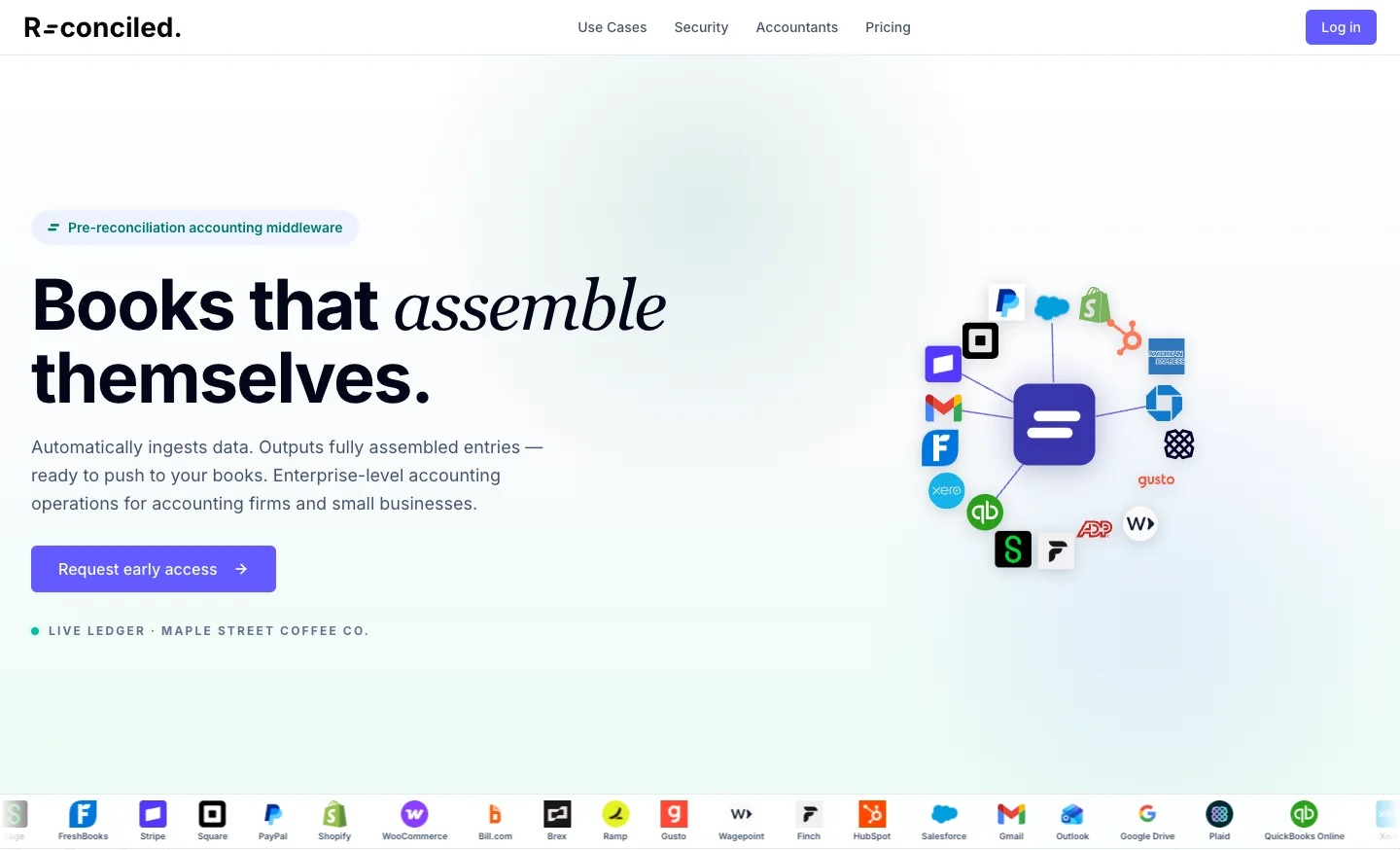
Reconciled product landing-page preview
Product website preview · September 2026.
All products

Reconciled

Reconciled: For businesses and their accountants

  • Business owner
  • Accountant
  • Business
  • Document intake
  • Accounting firm
  • Reconciled
  • Payroll reviewer
  • AI Brain
  • Authorized accountant
  • AI assistant
  • Client
  • Accounting connection

An AI accounting workspace for businesses and accountants: connected financial records, document matching, reviewed books, payroll evidence, tax preparation, client conversations and editable reports.

Connections and accounting destinations require authorization. Automatic approval is optional and explicit.

The workflow

Follow every branch. Select a heading to trace its connections.

Authorize and connect financial sources → Read documents and organize records (Transactions); Collect receipts and financial documents → Read documents and organize records (Reviewed documents); Read documents and organize records → Map accounts and propose matches; Map accounts and propose matches → Review, approve or correct (Proposed match); Map accounts and propose matches → Missing evidence and accounting exceptions (Unmatched or conflicting); Review, approve or correct → Reviewed accounting output (Approved or permitted vendor rule); Review, approve or correct → Missing evidence and accounting exceptions (Reject or correct); Missing evidence and accounting exceptions → Collect receipts and financial documents (Need evidence); Missing evidence and accounting exceptions → Map accounts and propose matches (Corrected mapping or match); Authorize and connect financial sources → Payment-processor payout reconciliation (Provider payout and bank cash); Payment-processor payout reconciliation → Reviewed accounting output (Reconciled supported journal); Payment-processor payout reconciliation → Missing evidence and accounting exceptions (Variance or missing mapping); Collect receipts and financial documents → Payroll hours and document review (Payroll documents); Payroll hours and document review → Payroll hours and document review (Resolve employee, bank or variance issue); Payroll hours and document review → Reviewed accounting output (Reviewed handoff); Reviewed accounting output → Confirm accounting destination; Confirm accounting destination → Send supported entries and verify (Authorized and ready); Confirm accounting destination → Missing evidence and accounting exceptions (Not ready); Send supported entries and verify → Traceable records and future rules (Verified result); Send supported entries and verify → Missing evidence and accounting exceptions (Failed or uncertain); Traceable records and future rules → Map accounts and propose matches (Reviewed future mapping); Set up the business and accounting rules → Authorize and connect financial sources (Authorized sources); Set up the business and accounting rules → Map accounts and propose matches (Profile, thresholds and mappings); Accounting calendar and deadlines → Collect receipts and financial documents (Due work needs documents); Accounting calendar and deadlines → Tax Time and corporate tax preparation (Tax deadline); Missing evidence and accounting exceptions → Client and accountant conversations (Need a receipt or answer); Client and accountant conversations → Collect receipts and financial documents (Supporting document uploaded); Client and accountant conversations → Missing evidence and accounting exceptions (Clarification received); Missing evidence and accounting exceptions → Investigate the financial case (Investigate linked evidence); Investigate the financial case → Review, approve or correct (Supported correction); Review, approve or correct → Review the rules the AI learns (Accountant-reviewed learning); Review the rules the AI learns → Map accounts and propose matches (Approved mappings and rules); Map accounts and propose matches → Search the connected QuickBooks records (Check the accounting source); Search the connected QuickBooks records → Missing evidence and accounting exceptions (Source found or missing); Payroll hours and document review → Review and export payroll hours (Reviewed hours ready); Review and export payroll hours → Reviewed accounting output (Payroll handoff evidence); Collect receipts and financial documents → Tax Time and corporate tax preparation (Required tax documents); Reviewed accounting output → Tax Time and corporate tax preparation (Reviewed books evidence); Tax Time and corporate tax preparation → Traceable records and future rules (Tax preparation package retained); Read documents and organize records → CPA Grade Accountant assistance (Source-backed client context); CPA Grade Accountant assistance → Missing evidence and accounting exceptions (Missing evidence or reviewed advice); CPA Grade Accountant assistance → Reports and editable working papers (Supporting report); Reviewed accounting output → Reports and editable working papers (Reviewed financial records); Reports and editable working papers → Traceable records and future rules (Reviewed working papers retained).

  1. Business owner and accountant

    1. Set the business profile, fiscal year and relevant accounting period.
    2. Choose review thresholds and map the business’s accounts.
    3. Authorize the appropriate source connections.

    Client setup supplies the business context and reviewed rules used throughout the accounting work.

    • Authorized sources
    • Profile, thresholds and mappings
  2. Business and accountant

    1. Authorize the supported bank, card, payment, email and accounting connections.
    2. Select the relevant business and accounts.
    3. Bring source transactions into the business’s records.

    Source access belongs to the client and the correct accounting context.

    • Transactions
    • Provider payout and bank cash
  3. Business and document intake

    1. Upload or collect receipts, invoices and statements.
    2. Identify duplicates and document types.
    3. Review proposed splits when a scanned packet contains several documents.

    Financial documents enter the same evidence workflow rather than becoming a separate pile of files.

    • Reviewed documents
    • Payroll documents
    • Required tax documents
  4. Business and accounting firm

    1. See the client’s accounting tasks and upcoming deadlines.
    2. Use the firm calendar to see work across clients.
    3. Follow due work into document collection and tax preparation.

    Client and firm calendars keep upcoming accounting work visible.

    • Due work needs documents
    • Tax deadline
  5. Reconciled

    1. Extract the relevant document details.
    2. Keep supporting documents and their source history.
    3. Normalize transaction records for comparison.
    4. Connect the evidence to a reviewable financial case.

    The transaction and its supporting evidence can be examined together.

    • Source-backed client context
  6. Reconciled and accountant

    1. Bring together the provider payout, its underlying breakdown and bank deposit.
    2. Check the payout is paid and the cash evidence agrees.
    3. Prepare the supported accounting journal when the breakdown reconciles.
    4. Send variances and missing mappings to review.

    Processor activity is reconciled to actual bank cash and its supporting detail.

    • Reconciled supported journal
    • Variance or missing mapping
  7. Reconciled and accountant

    1. Use reviewed vendor names, account mappings and business rules.
    2. Compare documents with transactions.
    3. Propose supported matches and surface missing or conflicting evidence.

    Matching uses the business’s reviewed accounting context.

    • Proposed match
    • Unmatched or conflicting
    • Check the accounting source
  8. Business and payroll reviewer

    1. Collect hours submissions, pay stubs and remittance documents.
    2. Review and hand off the hours record.
    3. Check employees, bank matches and payroll variances.
    4. Resolve exceptions and prepare the reviewed payroll evidence or export.

    This branch prepares and verifies payroll records; it does not promise to run wage payments.

    • Resolve employee, bank or variance issue
    • Reviewed handoff
    • Reviewed hours ready
  9. Accountant and AI Brain

    1. Inspect learned vendor names, categories and match rules.
    2. Approve, correct or reject proposed rules.
    3. Choose where vendor-specific automatic approval is appropriate.
    4. Undo a wrong rule and apply reviewed mappings to future work.

    Accountants control which learned mappings and approval rules are used.

    • Approved mappings and rules
  10. Accountant

    1. Search the authorized company’s mirrored QuickBooks records.
    2. Compare the source record with the item under review.
    3. Use the result to resolve a match or investigate missing evidence.

    QuickBooks lookup supports the investigation; a lookup itself does not write to the books.

    • Source found or missing
  11. Accountant

    1. Approve a supported match, reject it or correct the evidence.
    2. Investigate unmatched or uncertain items.
    3. Choose explicit vendor-specific automatic approval only where appropriate.

    Human review is the default; approved vendor rules are a controlled alternative.

    • Approved or permitted vendor rule
    • Reject or correct
    • Accountant-reviewed learning
  12. Business and accountant

    1. Collect a missing receipt or clarify the financial record.
    2. Correct vendor and account mappings.
    3. Resolve conflicting matches, unsupported output or posting issues.
    4. Resume the appropriate step after review.

    Unclear records remain visible for resolution instead of being silently treated as finished.

    • Need evidence
    • Corrected mapping or match
    • Need a receipt or answer
    • Investigate linked evidence
  13. Payroll reviewer

    1. Check the reviewed hours in an export dry run.
    2. Resolve rows that fail the required checks.
    3. Create and download the supported hours CSV for the payroll handoff.

    Reviewed hours can be exported; this step does not run payroll or remit funds.

    • Payroll handoff evidence
  14. Authorized accountant and AI assistant

    1. Ask accounting and tax questions using the available client and firm context.
    2. Review the source-backed reasoning and identify gaps in evidence.
    3. Use the reviewed result in the accounting work or supporting report.

    Available to authorized seats and eligible client plans; the accountant remains responsible for conclusions and action.

    • Missing evidence or reviewed advice
    • Supporting report
  15. Accountant

    1. Open an unmatched or conflicting item.
    2. Review its document, email evidence and transaction together.
    3. Follow the linked records to understand the discrepancy.
    4. Return supported corrections to the match review.

    The case file brings linked financial evidence together for investigation.

    • Supported correction
  16. Accountant

    1. Bring approved matches and supported journals into one output view.
    2. Keep supporting documents and reviewed payroll handoffs connected.
    3. See which items are ready and which need attention.

    The accountant can work from the assembled output rather than separate sources.

    • Reviewed books evidence
    • Reviewed financial records
  17. Client and accountant

    1. Open a thread about a financial record or outstanding request.
    2. Ask for a missing receipt or clarification.
    3. Upload supporting receipts to the conversation.
    4. Return the answer and evidence to the accounting review.

    Document questions are connected to a client conversation and its evidence rather than disappearing into an exception list.

    • Supporting document uploaded
    • Clarification received
  18. Client and accountant

    1. Confirm current authorization for the correct QuickBooks company.
    2. Check required account mappings and destination readiness.
    3. Hold output that lacks the required authority or accounting detail.

    A connection alone does not authorize an entry to the wrong company or account.

    • Authorized and ready
    • Not ready
  19. Client and accountant

    1. Upload tax documents for the required business and year.
    2. Check document coverage, missing requirements and readiness.
    3. Review the business profile, connected-book evidence and handoff notes.
    4. Build and download the supported corporate tax package.

    Tax preparation assembles the supporting package; it does not calculate tax payable or file a return.

    • Tax preparation package retained
  20. Accounting connection

    1. Send the supported accounting entry and evidence.
    2. Verify the recorded result.
    3. Keep unsuccessful or uncertain output in the review queue.

    Only a known result is presented as completed output.

    • Verified result
    • Failed or uncertain
  21. Business and accountant

    1. Generate supported expense, vendor-spend, missing-receipt, tax-breakdown and reconciliation reports.
    2. Open the workbook and review its underlying accounting evidence.
    3. Edit the working paper where supported and download the Excel file.
    4. Keep the report with the client’s reviewed accounting work.

    Reports and workbooks turn the accounting records into reviewable working papers and downloads.

    • Reviewed working papers retained
  22. Business and accountant

    1. Review the source evidence, approvals and accounting result.
    2. See the history of actions and decisions.
    3. Use accountant-reviewed corrections and mappings to improve future work.

    The final record retains the evidence and review history behind it.

    • Reviewed future mapping

The result

Financial evidence and transactions become reviewed, traceable accounting output, with exceptions kept visible for the business and accountant.

What to know

Connected financial records and documents feed AI-assisted matching, reviewed accounting output, payroll evidence and tax preparation.

Clients and accountants work through shared messages, due work and linked financial cases. AI Brain keeps learned rules reviewable; CPA Grade Accountant assistance depends on the authorized seat and client plan.

Reports and editable workbooks carry the evidence into working papers. Tax preparation assembles a package; it does not file a return or calculate tax payable. Hours exports do not run payroll.